
ACME or existing PEM
Use Certbot for ACME HTTP-01 issuance and renewal, or import existing PEM certificates with certificate and key checks.

Manage your TLS certificates: issue and renew through ACME, or import and replace existing PEM certificates. Store them centrally in Vault and deploy through Auton. A dedicated tool for your infrastructure, within the Atraxis ecosystem.

Use Certbot for ACME HTTP-01 issuance and renewal, or import existing PEM certificates with certificate and key checks.
Store certificate material and versioned state in Vault, with scoped credentials separate from your administration API.
Configure up to 32 named Auton destinations per certificate. Verify the served TLS fingerprint on each target, retain partial success across restarts, and retry a failed target without repeating confirmed deployments.
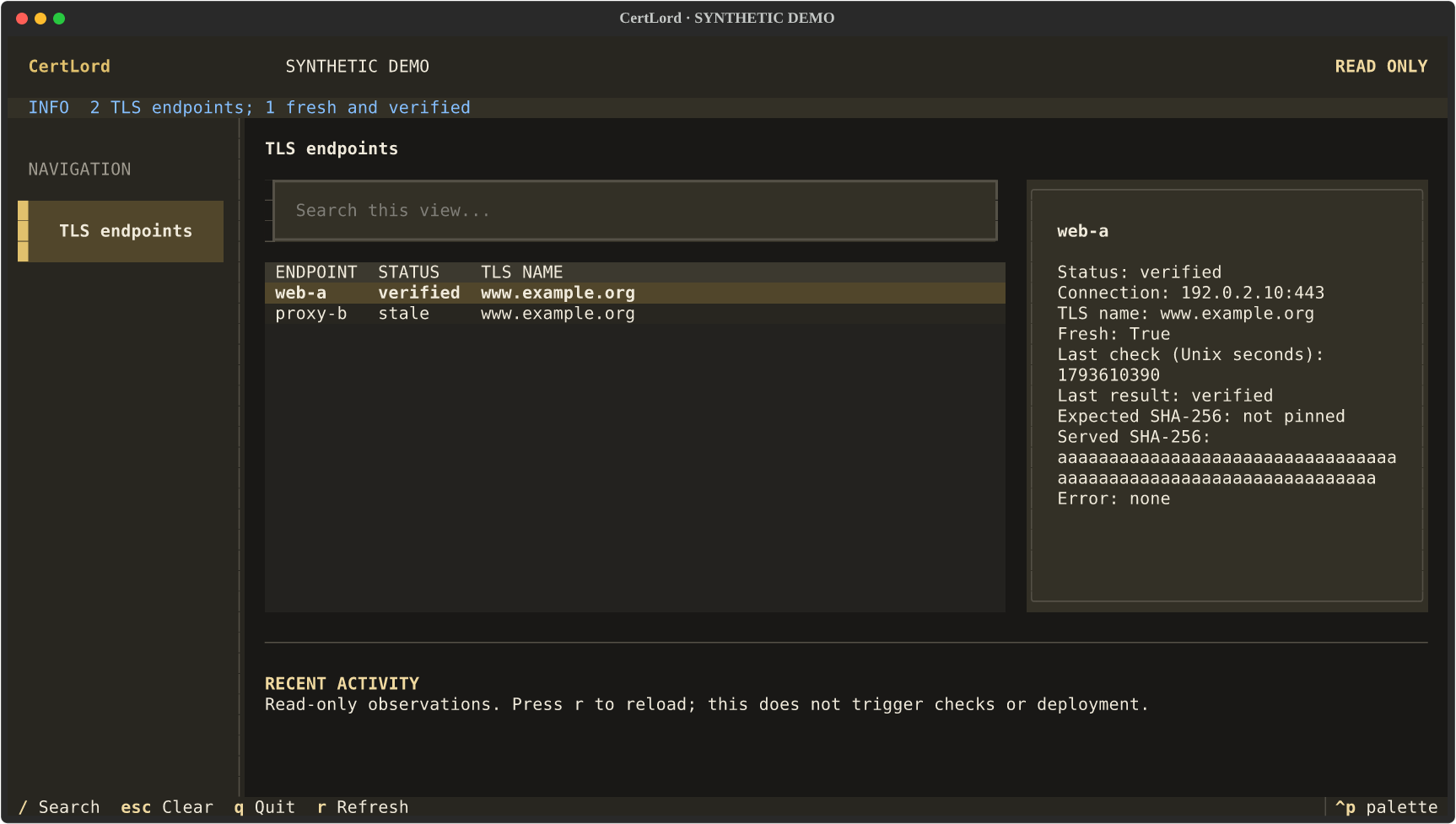
Check up to 32 web, reverse-proxy, load-balancer or CDN endpoints independently of issuance and deployment. Choose the connection address and expected TLS name. Trust, dates and hostname are always validated; an exact SHA-256 pin is optional. Stale observations do not count as verified.
The installation brings CertLord, Redis, Vault and Auton together. Initialize once with your ACME contact email, then start the stack.
If you restrict Redis commands with ACLs, allow SCAN for the worker before upgrading to 1.3.1 or later. Before upgrading from 1.2.0, check which environment variables your Certbot hooks need. The ACME connector can now use the issue and challenge permissions. Upgrade guide ↗
From 1.3.2, CertLord defaults to port 8667; Auton keeps 8666. Existing configurations are not rewritten: coordinate the daemon, clients and probes when migrating. Health checks remain authenticated; use a dedicated read-only account.
git clone --branch v1.3.3 --depth 1 https://github.com/decryptus/certlord.git
cd certlord
docker compose pull
docker compose up -d vault redis
docker compose run --rm setup init --email you@example.com
docker compose up -d
Starts with Let’s Encrypt staging. Configure DNS and your destination deployment job before requesting certificates. Vault requires explicit unsealing after a restart.
TLS checks observe one connection from the CertLord host; they do not establish global CDN propagation. One active CertLord daemon per state scope. Persistent local Vault for a single-host installation, or your existing external Vault. A Compose deployment on one machine is not high availability.